




Let’s be honest — design just got weird
A year ago, building a polished app interface meant either hiring a designer or spending weeks inside Figma learning the craft. Now? You type what you want, maybe throw in a rough sketch, and something pretty close to production-ready pops out in under a minute.
I know that sounds like hype. And honestly, some of it still is. But Google Stitch 2.0, which topped Product Hunt’s March 2026 leaderboard with 826 upvotes, has genuinely made me rethink what “designing an app” even means anymore.
So in this piece, I want to do something simple: actually compare it against the tools people are already using. Figma, Framer, Lovable. Where does Stitch fit? Where does it fall short? And which one should you actually be using right now?
Before we dive in, if you’ve ever wondered how AI tools like this actually work under the hood, Craffic’s piece on whether AI is learning things all by itself is worth a read. It puts the technical side in plain English.
So what actually is Stitch 2.0?
Quick backstory: Stitch started its life as Galileo AI, a startup that Google quietly acquired in mid-2025. Galileo’s whole thing was turning text prompts into UI mockups , which it did surprisingly well. Google absorbed it into the Gemini ecosystem, rebuilt it, and relaunched it as Stitch.
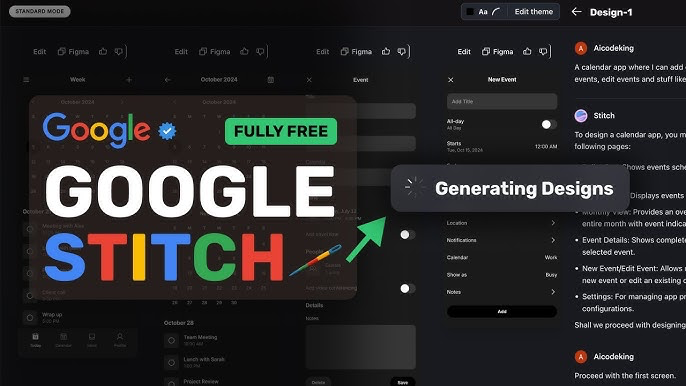
The March 2026 update is what really changed things. They didn’t just improve the output quality , they rethought the whole experience. A few things stood out to me:
- You can now design by voice. Literally speak your UI into existence. I tried it. It’s… actually kind of wild.
- “Vibe Design” ,you describe the feel and mood of an interface in natural language, and Stitch interprets it visually. Think “clean SaaS dashboard, lots of whitespace, muted blues” and it just does it.
- Multi-screen prototyping is now built in, which was a major gap before
- DESIGN.md support means you can give it your brand rules and it’ll try to stay consistent across generations
- Figma export exists, but only with the faster Gemini Flash model , not the high-quality one. That’s a real limitation.
And here’s the kicker: it’s free. Like, genuinely free in beta. You get around 350 generations a month with the fast model, 50–100 with the premium Gemini 2.5 Pro model. For most people exploring product ideas or prototyping for clients, that’s plenty.
It’s also worth noting that Google has been quietly building AI-powered visual tools for a while now. Remember when they released those AI tools that could upscale low-resolution images into high-res ones? Same underlying philosophy , use AI to close the gap between what someone can imagine and what they can actually create.
The competition: what Figma, Framer, and Lovable actually do
Figma – still the gold standard, but expensive
I want to be careful not to dismiss Figma here, because it would be silly to do that. It’s the tool that professional design teams live inside. Real-time collaboration, a massive plugin ecosystem (2,000+), design systems that work across entire organisations, developer handoff that actually makes sense , Figma does all of this better than anything else.
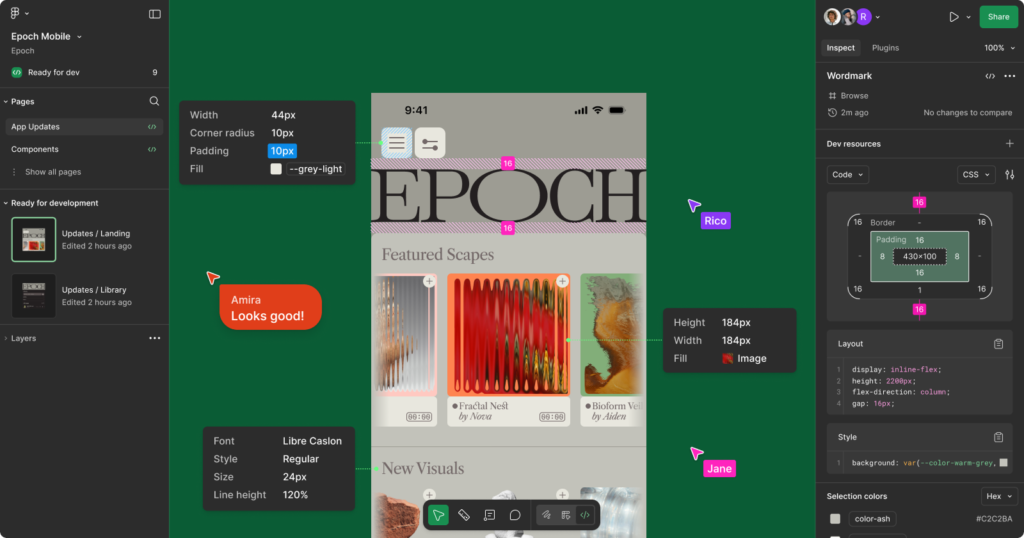
The catch is cost. A 20-person team on Figma’s Organisation plan runs around $13,200 a year. That’s not crazy for an established startup or an enterprise, but it’s a real number.
Figma has been adding AI features , Figma Make lets you do prompt-based prototyping inside the canvas , but it’s still fundamentally a refinement tool, not a generation tool. You still need to come to Figma with a direction. Stitch helps you find that direction.
Framer – when you want to skip the developer entirely
Framer occupies this interesting middle ground. It’s part design tool, part website builder. You can design something in Framer and hit publish , and you’ve got a live, responsive site. No developer needed. It starts at $20/month.
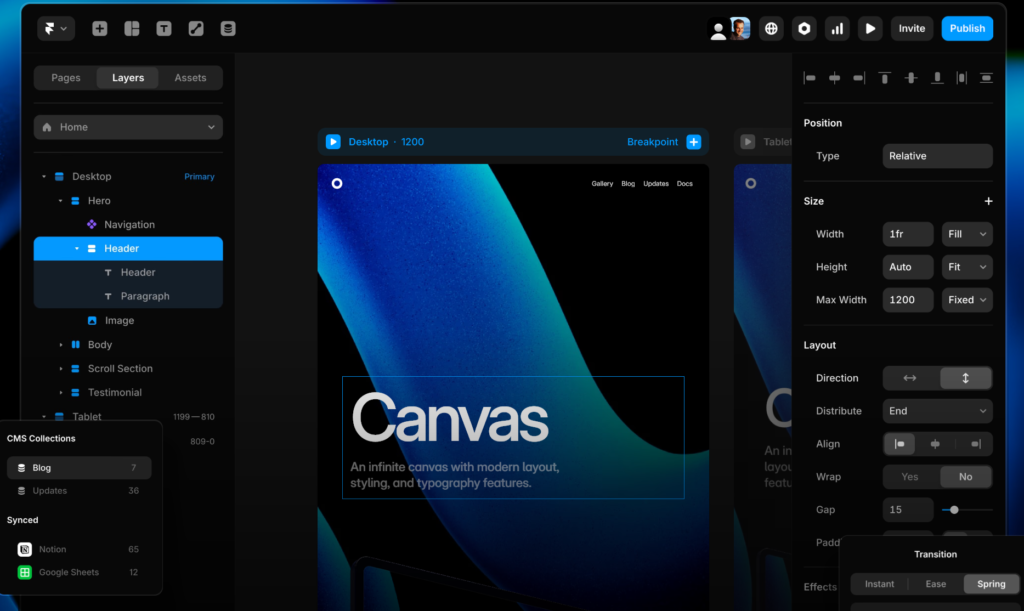
If your goal is a marketing site, a landing page, or a portfolio, Framer is genuinely excellent. But if you’re building a complex app with user accounts, databases, and real backend logic, you’re going to hit its ceiling pretty quickly.
Lovable – the most ambitious of the bunch
Lovable is doing something fundamentally different from the other three. It doesn’t just generate UI , it generates entire working applications. Frontend, backend, database, authentication, deployment. From a plain English description.
At $25/month for the Pro plan.The trade-off is obvious: the UI output isn’t as polished as Stitch, and the code quality isn’t as clean as tools built specifically for developers. But if you’re a non-technical founder who needs something real that users can actually interact with , not just a mockup , Lovable is remarkable.
Head-to-head: where each one actually wins
Stitch vs Figma
This one’s actually not that complicated once you understand that they’re solving different problems.
Stitch owns the 0-to-1 phase. When you have a product idea and you need to figure out what it should look like , quickly, cheaply, without a design background , Stitch is genuinely the best thing available right now. Generate ten directions in the time it would take you to create one artboard in Figma.
Figma owns everything after that. Once you know what you’re building and you need to actually build it , with pixel-perfect components, a proper design system, annotations for developers, and collaborative review , Figma is still the only serious answer.
The smartest teams in 2026 use both. That’s not a cop-out, it’s just true.
Stitch vs Framer
Simple answer: Stitch for apps, Framer for websites. Stitch produces better-looking UI designs. Framer lets you publish something live without touching code. They don’t really overlap that much in practice.
Stitch vs Lovable
Here’s where it gets interesting. Stitch gives you the best-looking prototype. Lovable gives you a working product. The trend I’m seeing from builders in 2026 is using Stitch to nail the design direction, then feeding those designs into Lovable to get the backend plumbing working. Total cost? Under $25/month. That’s kind of insane if you think about where we were two years ago.
Quick comparison table
| Stitch 2.0 | Figma | Framer | Lovable | |
| Price | Free (beta) | $15/mo/seat | $20/mo+ | $25/mo Pro |
| AI generation | Yes , Gemini | Yes , Figma AI | Minimal | Yes |
| Voice input | Yes | No | No | No |
| Clickable prototype | Yes | Yes | Yes | Yes (real app) |
| Publish live | No | No | Yes | Yes |
| Backend / database | No | No | No | Yes |
| Figma export | Fast model only | Native | No | No |
| Free tier | Yes (gen limits) | Yes | Yes | 5 credits/day |
| Sweet spot | Ideation & concepts | Production design | Marketing sites | Full-stack apps |
Who should actually use what
Here’s my honest take based on different types of users:
- Solo founder with a product idea and no design background → Start in Stitch, ship with Lovable
- Designer working with a dev team → Stitch for concepts, Figma for production handoff
- Freelancer building client websites → Framer, full stop
- Developer who wants clean React code → Use Stitch for visual reference, v0 by Vercel for the actual components
- Enterprise with an existing design system → Figma still wins here; Stitch for internal prototyping
The bigger shift happening here
There’s something worth stepping back and noticing. The question used to be “can you design?” Now it’s becoming “can you describe what you want clearly enough?” That’s a genuinely different skill, and it changes who gets to build things.
This matters beyond just design tools. AI is reshaping creative and technical work across the board , and not always in the ways people expected. We’ve previously looked at how most AI bots are designed to be female, which touches on some of the surprising human decisions behind AI systems that are worth thinking about as these tools become more embedded in our workflows.
Stitch isn’t going to replace a good designer. But it is going to make a good designer dramatically faster, and give non-designers a real starting point they didn’t have before. That’s the shift.
Bottom line
Google Stitch 2.0 is the most impressive free AI design tool I’ve seen. For pure concept generation and early-stage ideation, it’s hard to argue with something this capable that costs nothing.
But it’s a starting line, not a finish line. Figma is still where serious design work gets done. Lovable is still your best bet if you need something functional, not just pretty. Framer is still the fastest path to a live website.
Use them together. That’s the answer in 2026.